Remove objects
Paint away distractions.
YOUR PHOTO, YOUR DIRECTION
A small change. A whole new photo. Describe your idea, clear the distractions, or bring the details into focus.
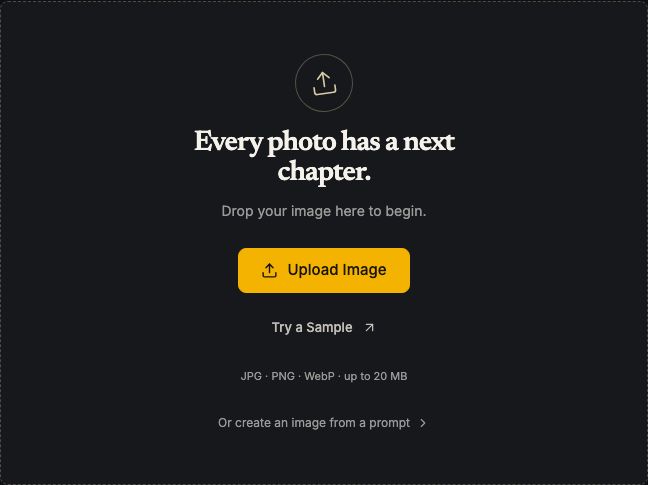
Drop your image here to begin.
JPG · PNG · WebP · up to 20 MBA FEW GOOD TOOLS
From a small clean-up to a fresh start.
Make the next move yours.
Paint away distractions.
Keep what matters.
Give your photo more room.
Bring back the details.
A bigger, sharper picture.
Start with an idea.
THREE STEPS. YOUR NEXT PHOTO.
THE RIGHT TOOL FOR THE MOMENT
QUICK EDITS, WITHOUT THE LEARNING CURVE
A professional suite gives you deep control. This studio gets everyday edits done in your browser.
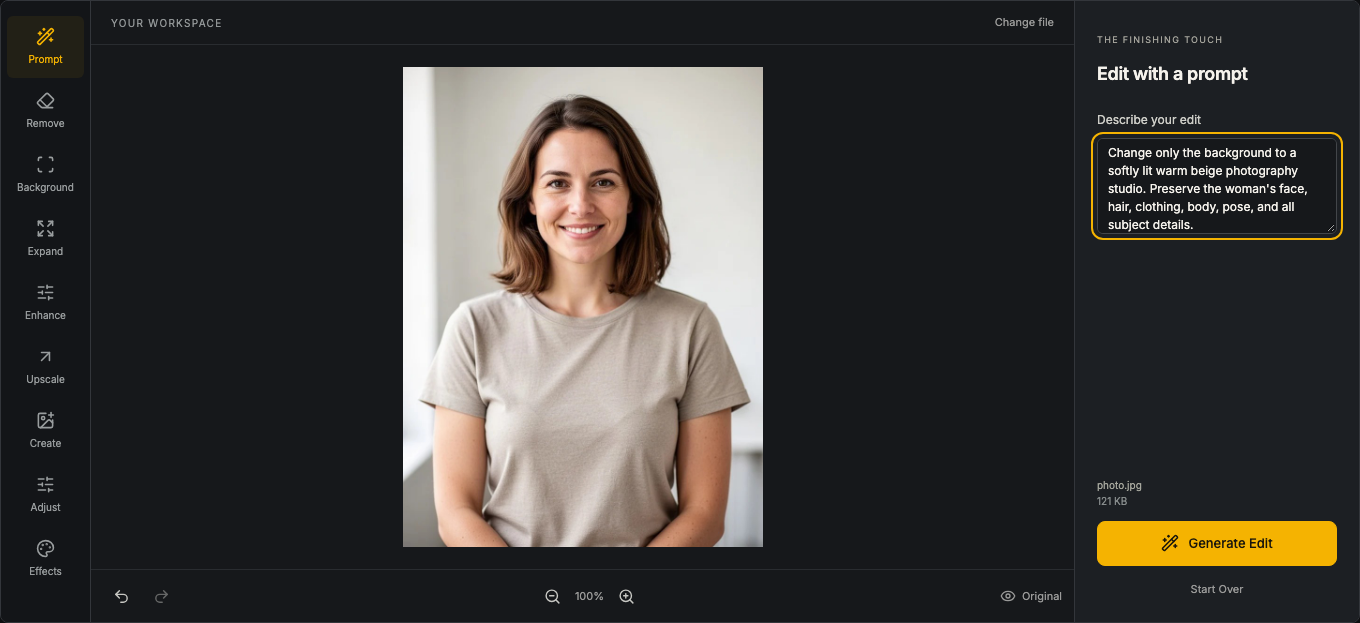
Upload a photo or try the sample, choose a tool, and describe the result you want. Your image stays in the same workspace from the first edit to the download.
Keep the subject and remove the surrounding scene. Download a transparent image, choose a solid background, or describe a new setting.
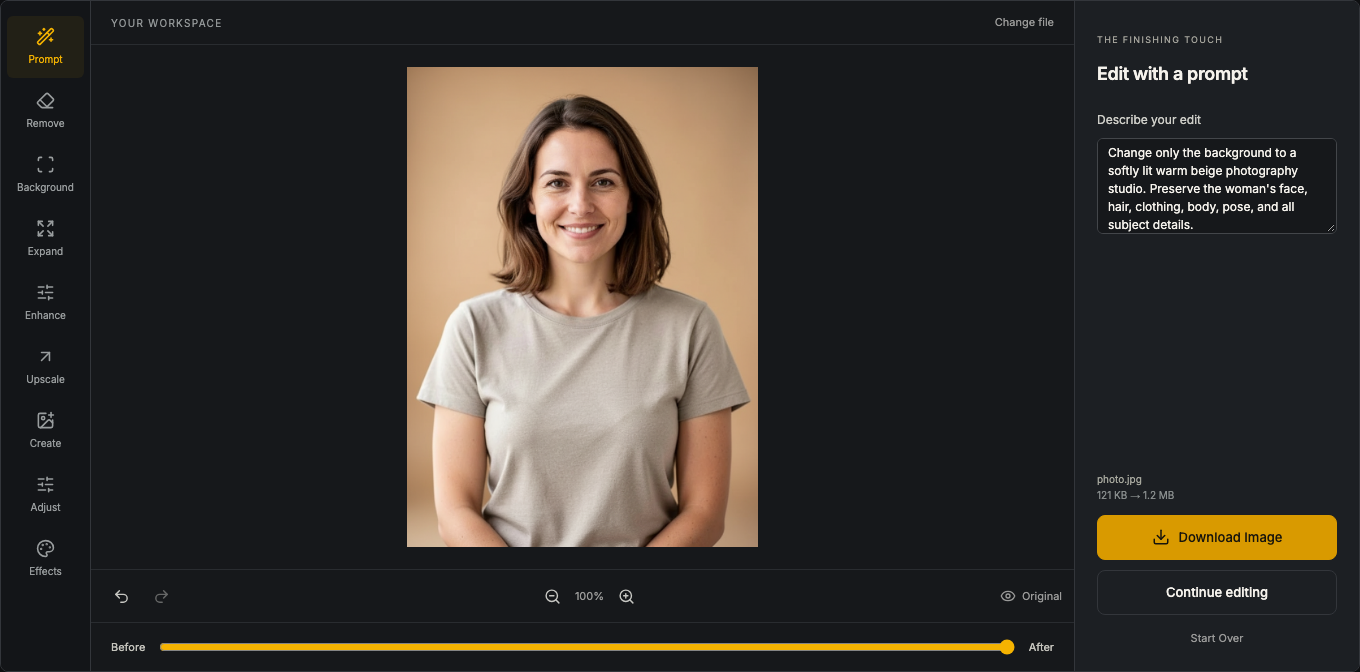
Inspect edges against the checkerboard and use the before-and-after view before saving.
Open the watermark remover to mark the watermark or logo you want removed from an image you have permission to edit.
After marking the area, start removal with one action. Check the repaired background before downloading.
Make JPEG and PNG files easier to upload and share. Adjust quality or choose a target file size.
Compression savings vary by image. PNG transparency is preserved; JPEG quality settings can change image detail.
Choose a 2K or 4K target to increase resolution while keeping the original aspect ratio.
The 4K option targets a 4,096-pixel long edge. Review fine details at full size; processing time depends on the image and service.
Three stages, one workspace.
Choose a supported photo or use a sample. Text to Image can start with a prompt alone.
Ask for a background change, a text edit, a different style, or use a focused tool.
Review the result and download the actual output. The chosen operation determines its dimensions.
Keep the editing flow simple and the result in your control.
Upload, edit, and download without creating an account.
The current service is free, including repeat edits and high-resolution output. AI processing shares a daily site-wide allowance; local tools remain available when that allowance runs out.
Use the workspace in your browser. AI operations are processed through a service; supported local tools run on your device.
Remove a watermark, compress an image, convert HEIC, upscale a photo, or change its format. Each tool has its own direct entry point.
Choose this workspace for focused edits, quick conversions, and prompt-based changes. Photoshop and other full desktop editors offer a broader professional workflow, including detailed layered documents. This site does not claim to replace every desktop feature.
A LITTLE MORE CLARITY
An AI photo editor uses a model to interpret an instruction or perform a focused change, such as replacing a background or removing a selected object. Inspect generated details before using the result.
Yes. The tools here are free in the current service. AI tasks use a shared daily allowance, shown by the workspace. When it is exhausted, you can return after the displayed reset or use available local tools.
No. Editing and downloading do not require an account, credit card, or payment.
Photo tools accept the formats listed by their uploader. JPEG and PNG are the standard photo inputs; the HEIC, SVG, and video tools have dedicated uploaders and format checks.
Yes. Upload a photo and describe the change. You can also select Text to Image to create a new image without uploading one.
History is stored locally in this browser. It can be lost when browser data is cleared and does not automatically sync across devices.
Local tools process supported tasks on your device. AI tasks send the image and instruction needed for the operation through our server to fal.ai. The Privacy page explains this distinction.